Kwekly / How it works
How it works

From the box to your first saved contact.

Kwekly works with every modern phone and needs no app — not for you, not for the people you meet. Here is everything that happens, step by step.

9:41
How it works

From the box to your first saved contact.

Four simple steps. No app, no technical setup.

9:41
9:41
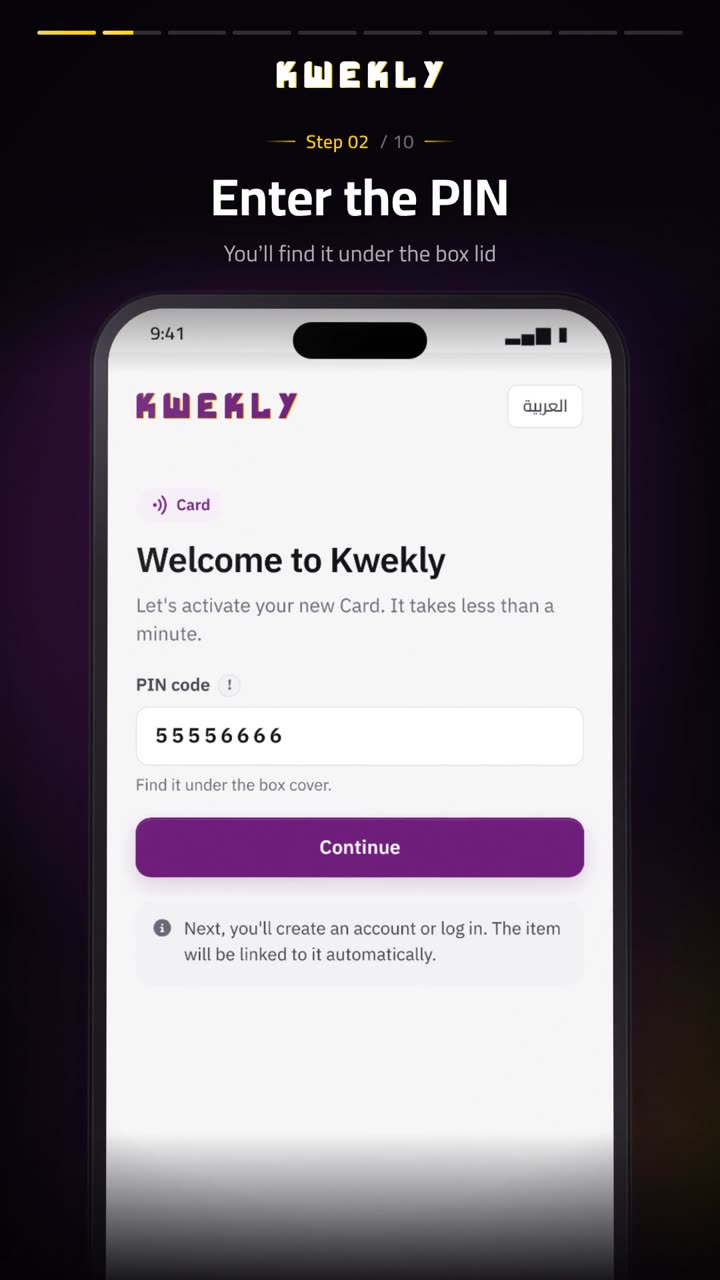
Step 1

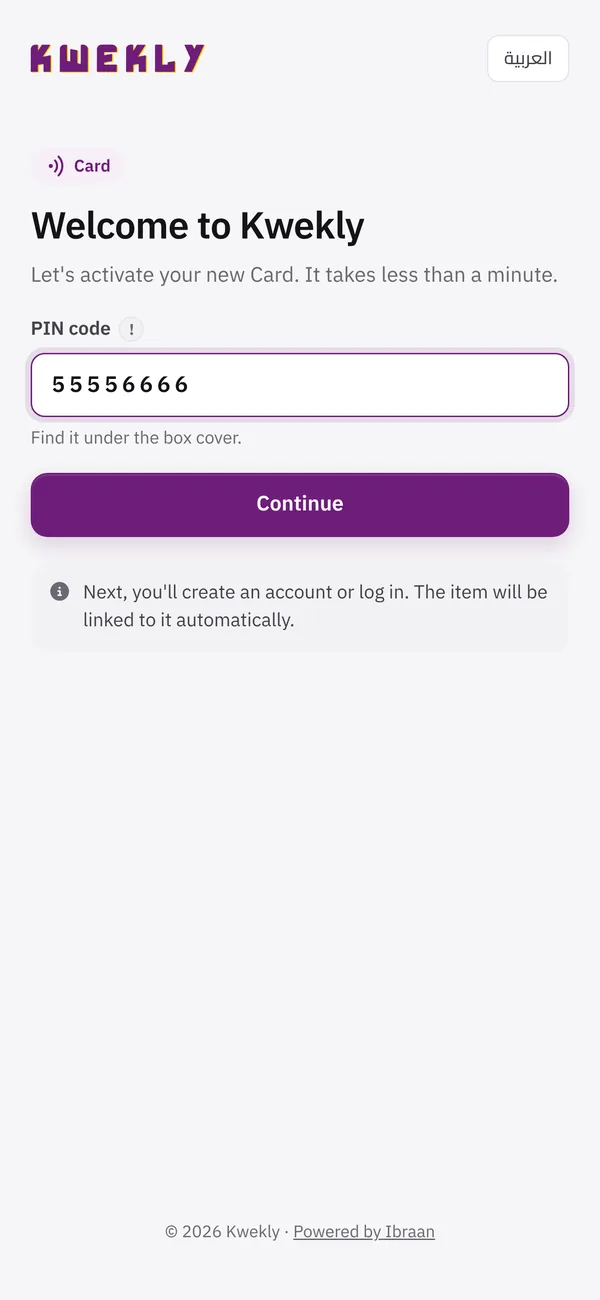
Get it & activate

Tap your new Kwekly on your phone. A welcome screen opens — enter the PIN on the card and create your account in under a minute.

  • Works on iPhone and Android
  • Confirm your mobile on WhatsApp
  • Your own link: you.kwekly.com
9:41
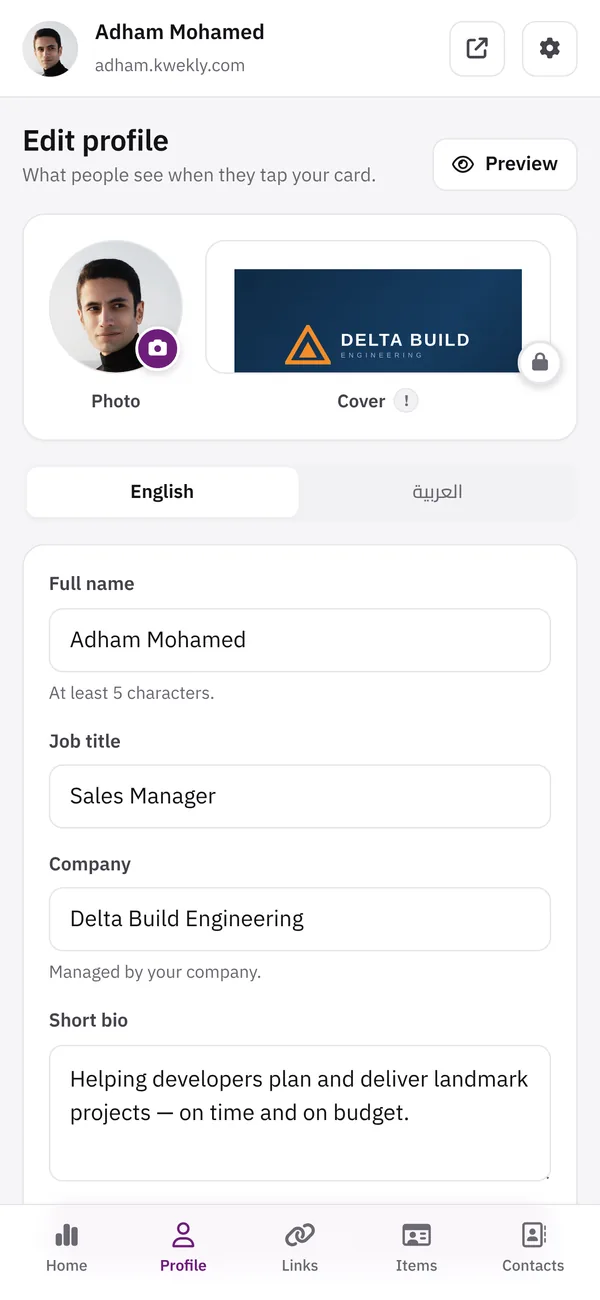
Step 2

Build your profile

Add your photo, cover, title, company and bio — in English and Arabic. It looks great on every phone, automatically.

  • Two languages, one profile
  • Company logo and cover for teams
  • Preview before you share
9:41
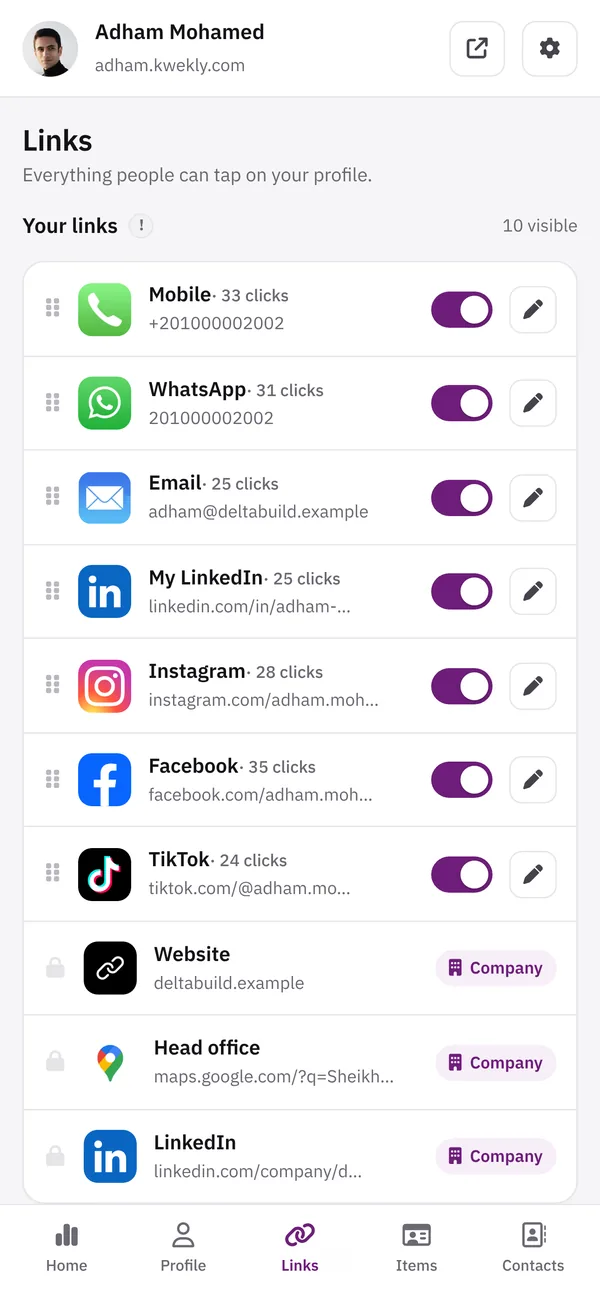
Step 3

Add every way to reach you

Mobile, WhatsApp, email, location, social media, website, InstaPay and bank accounts — drag to reorder, switch on or off.

  • 30+ platforms with their real logos
  • One-tap copy for payments
  • Click counts on every link
9:41
Step 4

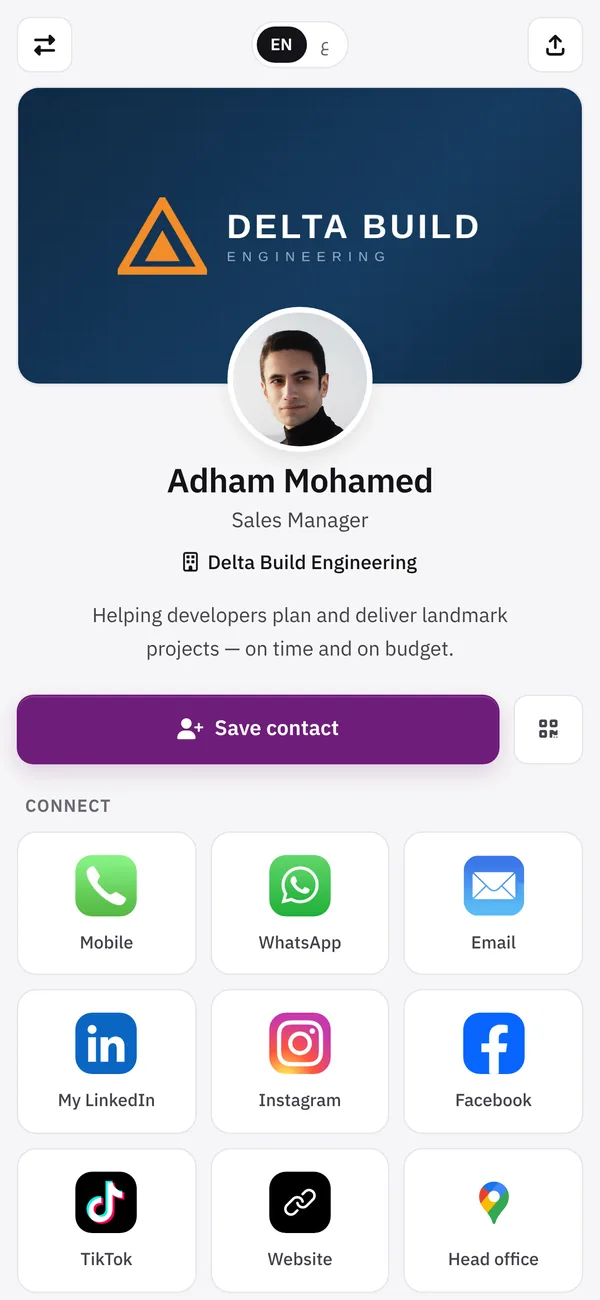
Tap, share, get saved

Tap any phone and your profile opens instantly. One button saves you to their contacts — and they can send their details back to you.

  • Save contact with your photo
  • Contact exchange collects leads
  • See visits and taps every day
Activation guide

Watch how to activate your Kwekly — in 70 seconds.

From the first tap to a finished profile: activate with your PIN, create your account, add your photo and links, and share.

1:10 iPhone & Android English
Ways to share

Four ways to share. All of them instant.

NFC tap

Hold the card near the top of an iPhone or the back of an Android. The profile opens instantly.

QR scan

Every product has a QR code — any phone camera opens it, even without NFC.

Your link

Share you.kwekly.com on WhatsApp, email signatures and social bios.

Save contact

One button adds you — with your photo — to their phone contacts.

Compatibility

Works with the phones people actually carry.

  • iPhone — iPhone XS and newer read NFC automatically; any iPhone can scan the QR.
  • Android — Most Android phones support NFC — make sure it is switched on in settings.
  • Any phone — No NFC? The QR code on every product works with any camera.
9:41
Share as quickly as you tap
Hold phone here
FAQ

Setup questions

Do people need an app to open my Kwekly?

No. Your profile opens in the phone’s browser with a tap (NFC) or a QR scan, on iPhone and Android.

Is there a monthly subscription?

No. You pay once for the product and your profile is included — no monthly fees.

How long does delivery take?

Within one week to every governorate in Egypt.

Can I change my details after I receive it?

Yes, any time, from your phone. Every card, tag, keychain and stand you own updates instantly — nothing to reprint.

What if a phone doesn’t support NFC?

Every Kwekly product also carries a QR code, so any phone with a camera can open your profile.

Can my company manage everyone’s cards?

Yes. Kwekly for Business gives you one dashboard for your brand, employees, cards, leads and results.

Make every introduction count.

Order your Kwekly today — delivered in a week anywhere in Egypt, ready in minutes.

Share as quickly as you tap